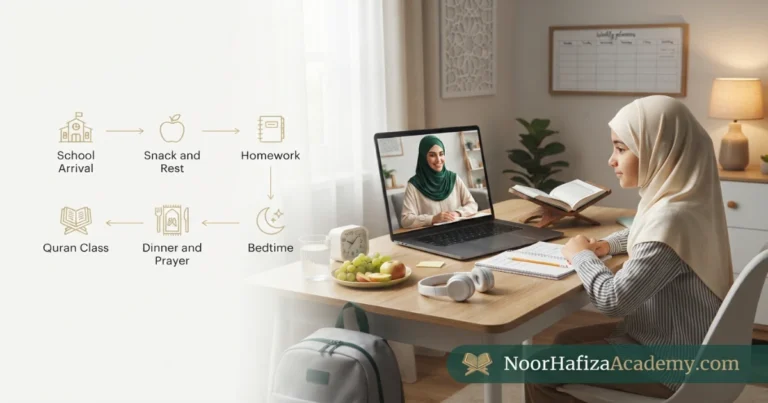
What Equipment Do You Need for Online Quran Classes?

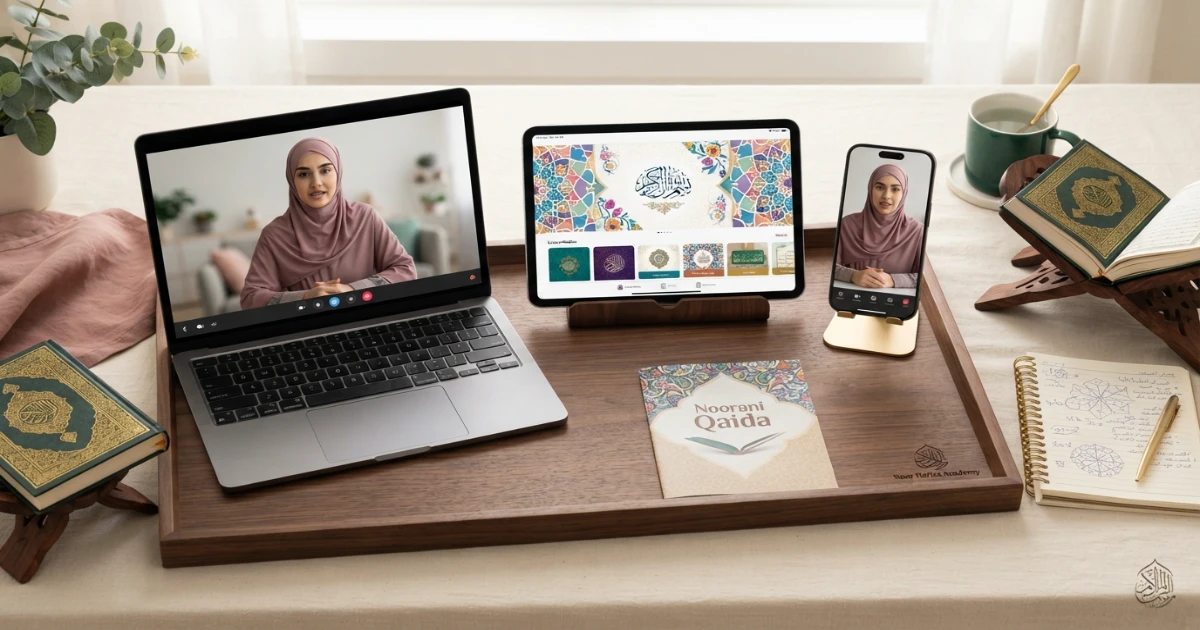
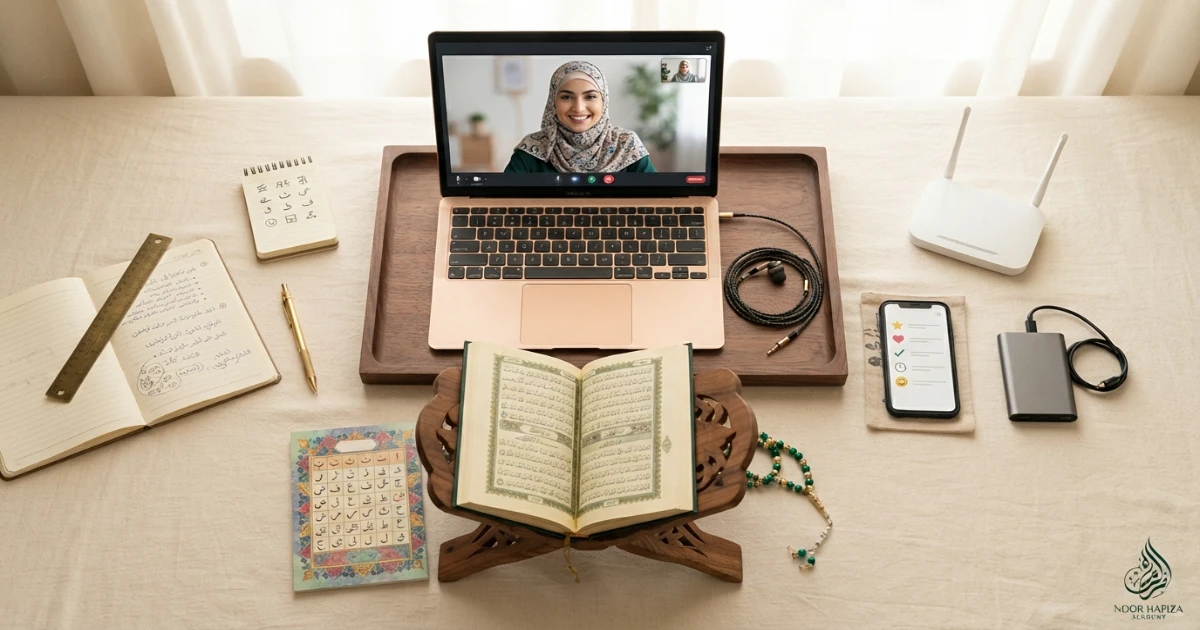
The equipment for online Quran classes can be simple. Most students need a reliable phone, tablet, laptop, or desktop computer; stable internet; a working microphone and speaker or headphones; a Quran or Noorani Qaida; and a quiet place to sit. A webcam is useful when the teacher needs to see the learner, but expensive cameras, studio lighting, external microphones, or special software are usually unnecessary for a beginner. The most important technical factor is clear audio because pronunciation, Makharij, Madd, Ghunnah, Qalqalah, and other Tajweed details must be heard accurately. A good home setup also includes a charged device, stable positioning, enough light, the lesson material ready before class, and a simple backup plan if Wi-Fi or the main device fails.
What equipment is needed for an online Quran class?
For most online Quran classes, you need five basic things: a phone, tablet, laptop, or computer; a stable internet connection; a working microphone and speaker or headphones; the Quran, Noorani Qaida, or other assigned learning material; and a quiet, well-lit place to study. A webcam is helpful for face-to-face interaction, but premium cameras and external microphones are usually optional. For Quran recitation, prioritize audio quality because the teacher must hear letter sounds and Tajweed details clearly. Keep the device charged, position it so the learner does not have to hold it during class, test the meeting app beforehand, and have a backup device or mobile-data option if possible.
The essential equipment for online Quran classes
An online Quran lesson does not require a complicated digital classroom. The learner only needs equipment that allows the teacher to see or hear the student clearly, share learning materials where needed, and keep the session stable from beginning to end.
Device
A phone, tablet, laptop, or desktop capable of running the academy’s meeting platform.
Internet
A stable Wi-Fi, wired, or mobile-data connection that can maintain clear audio.
Audio
A working microphone plus speakers or headphones so teacher and student can hear each other.
Learning materials
A physical or digital Quran, Noorani Qaida, notebook, pencil, and any teacher-assigned material.
The teacher may need to hear subtle differences in Arabic pronunciation, so a clear microphone and low-noise environment are more useful than an expensive webcam.
Phone, tablet, laptop, or desktop: which is best?
Almost any modern device can work, but each option has advantages and limitations. The best choice depends on age, class length, whether the teacher shares a screen, and whether the student needs to read from a digital page.
| Device | Best for | Advantages | Limitations |
|---|---|---|---|
| Laptop | Most children, teens, and adults | Stable screen, good camera angle, easy meeting controls | Needs desk space and charging |
| Tablet | Children and portable study | Larger than phone, simple touch controls | Needs a stand to avoid being held |
| Phone | Backup or simple lessons | Widely available, easy mobile data | Small screen and unstable if handheld |
| Desktop | Permanent study station | Stable, larger display, often reliable audio | Not portable |
For young children, a laptop or tablet on a stable stand is often easier than a phone because the student can sit naturally and keep hands free for a Qaida, Mushaf, or notebook.
How good does your internet need to be?
You do not need extremely fast internet, but you do need stability. A connection that repeatedly freezes, drops audio, or delays sound can make Quran pronunciation correction difficult.
If possible, study in a room with a strong signal and avoid weak corners of the house.
A wired connection can be more stable for desktop or laptop users.
A phone hotspot can help if home Wi-Fi fails during class.
If the connection becomes unstable, temporarily turning off incoming or outgoing video may help preserve audio. Since pronunciation is central to Quran learning, protecting the sound channel should come first.
Why clear audio is essential for Tajweed and Quran reading
A teacher needs to hear whether the learner is producing the correct Makharij, whether Madd is held consistently, whether Ghunnah is too short or long, whether Qalqalah has an extra vowel, and whether similar letters are being confused.
| Audio setup | Good choice? | When useful | Watch for |
|---|---|---|---|
| Built-in laptop mic | Usually yes | Quiet room and close seating | Fan noise and distance |
| Wired headset | Often very good | Shared or noisy homes | Mic rubbing on clothing |
| Wireless earbuds | Can work | Older teens and adults | Battery and Bluetooth interruptions |
| Speakerphone | Sometimes | Single learner in quiet room | Echo and background sound |
Expensive studio microphones are usually unnecessary. A simple headset or a good built-in microphone in a quiet room can be enough.
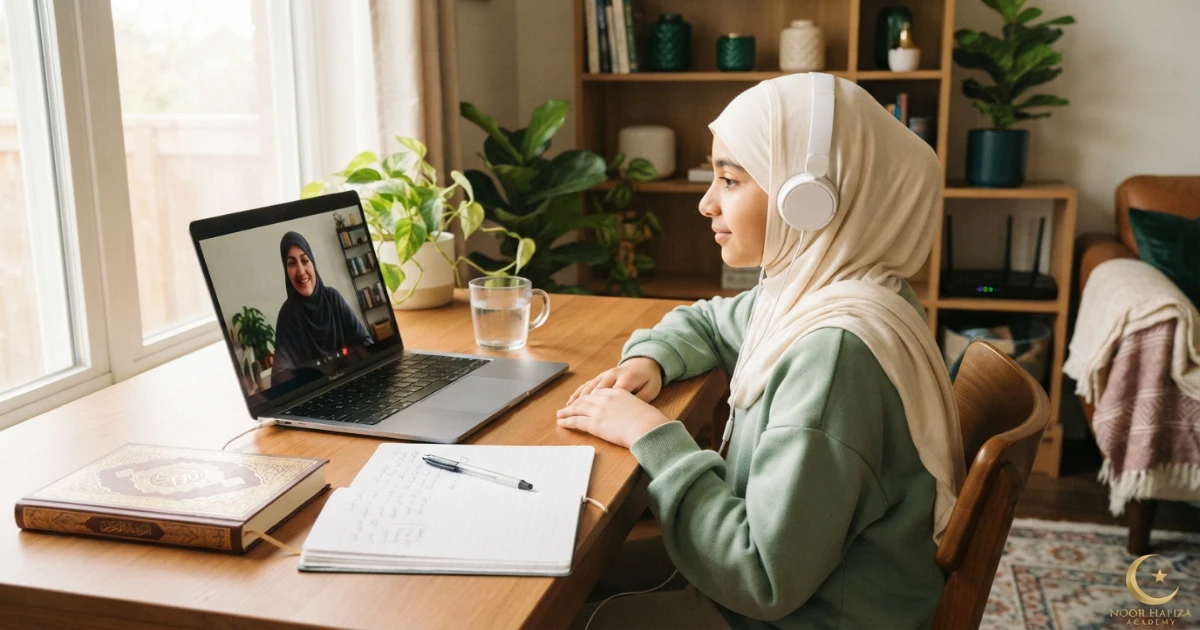
What books and materials should be ready?
Quran / Mushaf
Use the edition recommended by the teacher where possible, especially if Waqf marks or Tajweed coloring differs.
Noorani Qaida
Beginners may need the same Qaida edition used by the teacher so page references stay consistent.
Notebook & pencil
Useful for correction targets, Tajweed notes, Hifz goals, and homework.
Rehal or book stand
Helps keep the Mushaf or Qaida stable and supports respectful, comfortable reading.
A physical text is often useful because the learner can look away from the screen and focus on the Quran page while the teacher listens. Digital Quran pages can still be helpful when the teacher shares a screen or highlights a specific word.
How to set up a quiet Quran-learning area at home
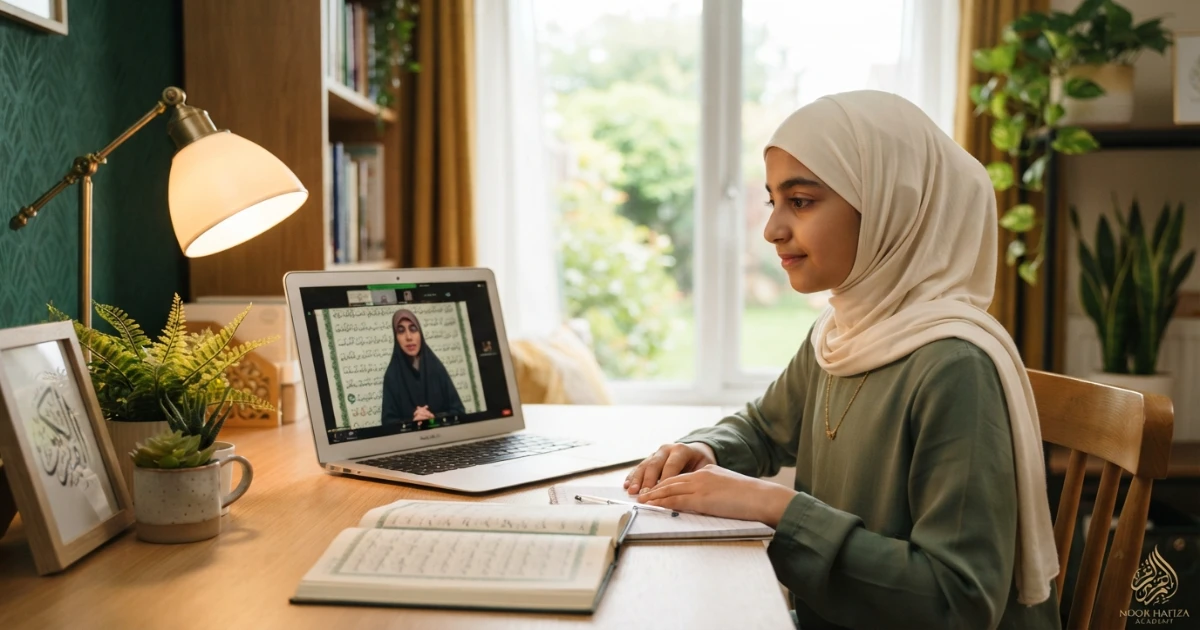
The best study space is simple, quiet, and repeatable. It does not need to be a dedicated room. A corner of a bedroom, study, or family room can work if interruptions are controlled.
Place the device and Quran at a comfortable height so the learner is not constantly adjusting them.
Move away from television, kitchen activity, siblings playing, or loud appliances during class.
A chair and desk can help the learner remain attentive and keep the device still.
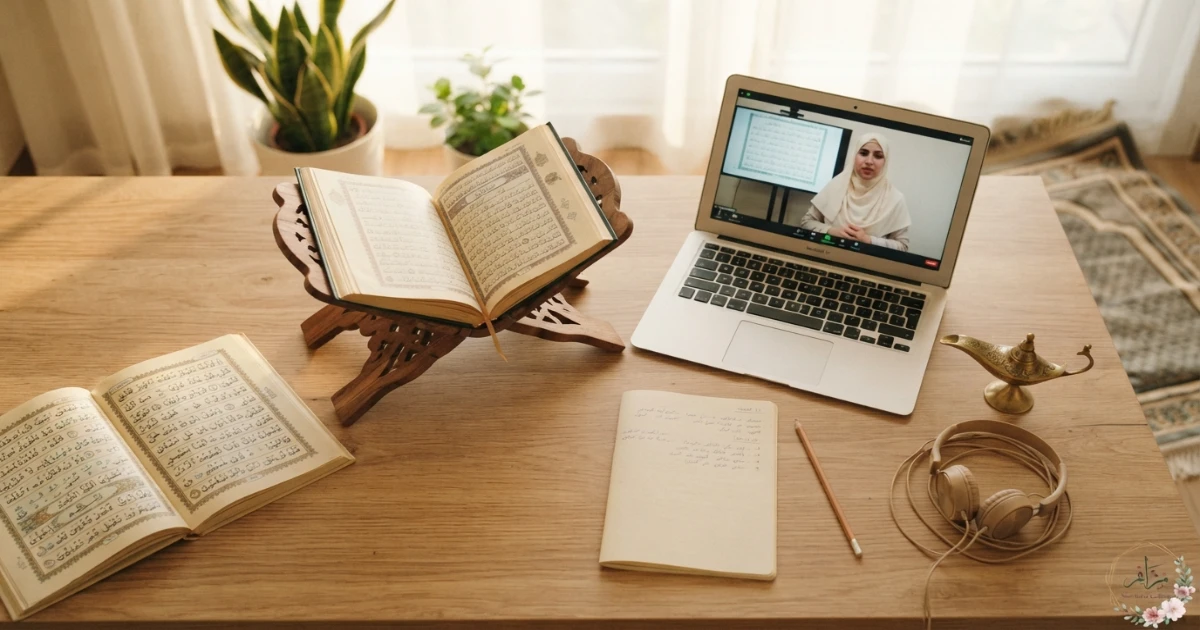
Do you need a webcam for online Quran classes?
A camera can improve interaction and may help the teacher observe attention, mouth movement, or whether a child is following the correct line. However, the camera does not need to be expensive.
Place the camera near eye level when possible. Avoid strong backlighting from a bright window directly behind the learner. A lamp or natural light in front or slightly to the side is usually enough.
Families should follow the academy’s current camera, safeguarding, and privacy policies. Parents should confirm whether video is required, optional, or handled differently for particular age groups or lesson formats.
What extra equipment helps children during online Quran classes?
Device stand
Prevents the child from holding a phone or tablet throughout the lesson.
Comfortable headset
Can improve focus and reduce household noise when fitted safely and comfortably.
Prepared materials
Open the correct Qaida page or Mushaf section before class starts.
Parent tech check
Younger learners may need an adult to open the meeting, test audio, and solve simple problems.
Parents do not need to sit through every lesson unless the learner’s age, maturity, safety needs, or academy policy requires it. But young children benefit when an adult handles the technology so the teacher can focus on teaching.

What setup works well for adult and women’s Quran classes?
Adults usually need less technical support, so convenience becomes important. A laptop at a desk can be ideal for longer Tajweed sessions, while a tablet can work well for flexible morning or evening lessons. A phone can be sufficient when the learner uses a physical Mushaf and only needs the device for live audio and video.
Women who need privacy can choose a quiet room, use headphones, and confirm current academy policies around camera use and female-teacher availability. The goal is a setup that allows comfortable recitation without household interruption.
What apps or software are needed?
The exact meeting platform depends on the academy. It may use a browser-based classroom, Zoom, Google Meet, Microsoft Teams, WhatsApp, or another supported service. Families should not install multiple apps in advance unless instructed.
Download the required app, update it, and test access before the lesson begins.
Check browser or app permissions so the teacher can hear and, where appropriate, see the learner.
Help the teacher identify the learner quickly, especially in a family with several students.
What should you do if the internet or device fails?
A simple backup plan can prevent a small technical problem from cancelling the entire lesson. Keep the teacher or academy contact available, know how to switch to another device, and have mobile data ready when practical.
| Problem | Quick fix | Backup option | Before next class |
|---|---|---|---|
| Wi-Fi drops | Reconnect or move closer to router | Mobile hotspot | Check router/location |
| Mic stops working | Reconnect headset / check permissions | Built-in device mic | Run audio test |
| Laptop fails | Join from phone/tablet | Second family device | Charge/update main device |
| Camera issue | Restart or disable video | Continue audio if academy permits | Confirm privacy/technical settings |
Common online Quran class equipment mistakes
Holding the phone during class
The screen moves constantly and the learner cannot use the Quran or Qaida comfortably.
Ignoring microphone quality
The video looks clear, but the teacher cannot hear pronunciation properly.
Joining from a noisy room
Background conversation and television make Tajweed correction difficult.
Opening materials after class starts
Several minutes are lost finding the correct page, notebook, or link.
Using an unstable tablet
The device repeatedly falls, moves, or changes camera angle.
No charger nearby
The device battery becomes a preventable interruption.
No backup internet
A brief router issue cancels a lesson that could have continued on mobile data.
Overbuying equipment
Families spend on expensive gear before confirming what the academy actually requires.
5-minute equipment check before every Quran lesson
Before the teacher joins
- Charge or plug in the device.
- Open the meeting link or required app.
- Test microphone and speaker/headphones.
- Place the device on a stable stand or desk.
- Open the correct Quran, Qaida, or Hifz page.
- Keep notebook and pencil nearby.
- Close games, social media, and unnecessary browser tabs.
- Reduce household noise and interruptions.
- Check that the learner’s face and/or reading area is visible if video is used.
- Keep a backup device or mobile-data option available when practical.
Questions to ask the Quran academy about equipment
Confirm these before the first lesson
- Which meeting app or platform do you use?
- Can my child join from a tablet or phone?
- Is a webcam required for every lesson?
- Do you recommend headphones for children?
- Which Quran or Noorani Qaida edition should we use?
- Will the teacher share a digital screen or use our physical book?
- What should we do if the internet drops during class?
- Can we switch to mobile data or another device?
- Does the teacher need to see the student’s mouth for pronunciation correction?
- What privacy or camera rules apply to children and teenage students?
- Do siblings need separate devices for back-to-back or simultaneous classes?
- Can we test our equipment during a trial class?
Simple equipment for Noor Hafiza Academy online Quran classes
Noor Hafiza Academy offers live online Quran learning for girls, women, children, adults, new Muslims, complete beginners, returning readers, and families with female Quran teachers. Learners can ask about Noorani Qaida, Quran reading, Tajweed, Hifz support, and Islamic Studies according to their current level and goals.
Before the first lesson, families should confirm the current meeting platform, device requirements, camera expectations, Quran or Qaida edition, teacher availability, class length, trial arrangements, fees, privacy practices, safeguarding policies, and technical backup process directly.
Share the learner’s age, device type, internet setup, Quran level, and whether you need help preparing a child, teenager, or adult study space.
FAQs about equipment for online Quran classes
Do I need a laptop for online Quran classes?
Can my child take Quran class on a phone?
Are headphones necessary for online Quran classes?
Do we need a webcam?
How fast should the internet be?
Do I need an external microphone?
Should we use a physical Quran or digital Quran?
What should children keep beside them during class?
Can siblings use the same device for Quran classes?
What if our Wi-Fi fails during class?
Do online Tajweed classes need better equipment than basic Quran classes?
Should I buy equipment before a trial class?
Prepare a simple online Quran setup with clear audio, stable internet, and fewer distractions
Share the learner’s age, device type, internet setup, Quran level, and whether you need help preparing a child, teenager, adult, or sibling study station.